
MP3 vs. WAV: Was ist der Unterschied?
Bei der Wahl des Audioformats stehen MP3 und WAV im Mittelpunkt. Erfahren Sie den Unterschied zwischen komprimiertem MP3 und unkomprimiertem WAV.
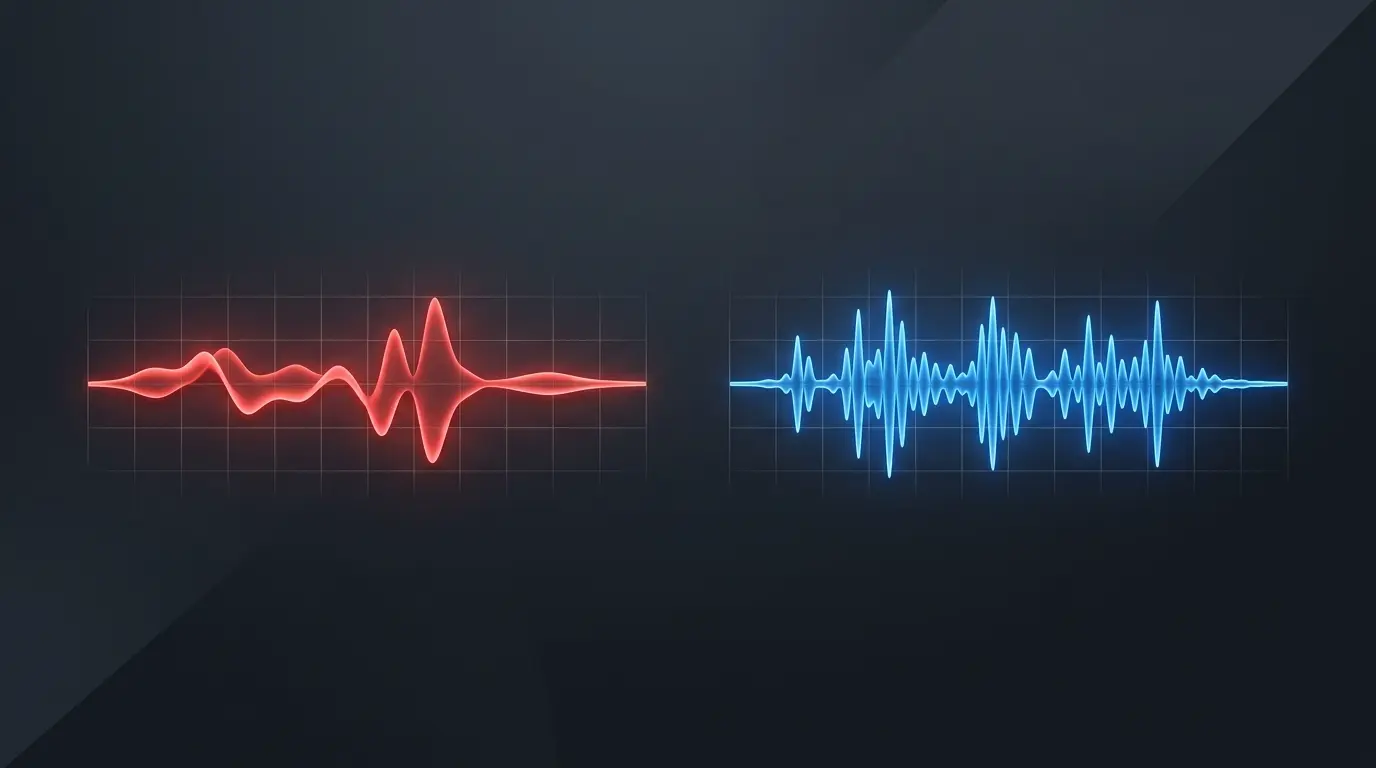
When choosing an audio format, two common options are MP3 and WAV. Both are widely used, but they serve different purposes.
MP3 is popular for everyday listening because it produces relatively small files. WAV is commonly used for audio recording, editing, and production because it can preserve uncompressed audio.
So, which format should you choose? The answer depends on how you plan to use your audio, how much storage space you have, and whether preserving the original sound quality is important to you.
In this guide, we'll explain the differences between MP3 and WAV, compare their file sizes and audio quality, and help you decide which format fits your needs.
What Is MP3?
MP3 is a digital audio format that uses lossy compression to reduce file size.
During MP3 encoding, some audio information is discarded to make the file smaller. The amount of compression depends on the encoding settings, including the bitrate.
Because MP3 files are relatively compact and widely supported, they are commonly used for music libraries, podcasts, audio downloads, and everyday listening.
Advantages of MP3
- Smaller file sizes: MP3 files usually take up much less storage than uncompressed WAV files.
- Wide compatibility: Most smartphones, computers, media players, and car audio systems support MP3.
- Convenient sharing: Smaller files are easier to upload, send, and store.
- Flexible bitrate options: You can choose different bitrates depending on your needs.
Disadvantages of MP3
- Lossy compression: Some audio information is permanently discarded during encoding.
- Limited recovery: Converting an MP3 to another format cannot restore audio information that was already lost.
- Repeated encoding: Re-encoding an MP3 into another lossy format can reduce quality further.
For most everyday listening situations, MP3 offers a practical balance between sound quality, compatibility, and file size.
What Is WAV?
WAV, short for Waveform Audio File Format, is a container format commonly used to store uncompressed PCM audio.
Unlike a typical MP3 file, an uncompressed PCM WAV file preserves the audio samples without lossy compression. This makes WAV useful for recording, editing, and audio production.
However, WAV is not automatically uncompressed in every possible case. The format can contain audio encoded in different ways, so the actual encoding matters.
Advantages of WAV
- Can preserve uncompressed audio: PCM WAV can retain the original audio samples without lossy compression.
- Useful for editing: WAV is commonly used in recording studios and audio production workflows.
- Suitable for intermediate files: It can be useful when moving audio between editing applications.
- Avoids MP3 compression artifacts: An uncompressed WAV file does not introduce the lossy compression used by MP3.
Disadvantages of WAV
- Larger files: Uncompressed audio requires considerably more storage space.
- Less convenient for sharing: Large files take longer to upload or transfer.
- More storage required: Large audio libraries can use substantial disk space.
WAV is often useful when working with original recordings or editing audio, but it is not always necessary for everyday listening.
MP3 vs WAV: Key Differences
Here's a quick comparison of the two formats.
| Feature | MP3 | WAV |
|---|---|---|
| Compression | Lossy | Often uncompressed PCM |
| File size | Usually smaller | Usually larger |
| Audio quality | Depends on source and bitrate | Can preserve uncompressed audio |
| Compatibility | Very widely supported | Widely supported, but varies by device and software |
| Editing | Suitable for basic use | Common in professional audio workflows |
| Best use | Everyday listening and sharing | Recording, editing, and archiving |
The most important difference is compression. MP3 reduces file size by discarding some audio information, while uncompressed PCM WAV retains the encoded audio samples.
Which Format Has Better Audio Quality?
An uncompressed PCM WAV file can preserve the original digital audio without the lossy compression used by MP3.
However, that does not mean every WAV file will sound better than every MP3 file.
Audio quality depends on several factors:
- The quality of the original recording.
- The sample rate and bit depth.
- The MP3 bitrate and encoder.
- Whether the source has already been compressed.
- The playback equipment and listening environment.
A high-quality MP3 can sound very good, especially for everyday listening. Many people may not notice a clear difference between a well-encoded MP3 and its original source under normal listening conditions.
If you need to preserve the original audio for editing or production, keeping a lossless or uncompressed source is a sensible choice.
Which Format Has the Smaller File Size?
MP3 files are generally much smaller than uncompressed PCM WAV files of the same duration.
The exact difference depends on the MP3 bitrate and the WAV recording's sample rate, bit depth, and number of audio channels.
For example, consider a five-minute stereo recording.
| Format | Approximate file size |
|---|---|
| MP3 at 128 kbps | 4.8 MB |
| MP3 at 192 kbps | 7.2 MB |
| MP3 at 320 kbps | 12 MB |
| WAV, CD-quality PCM | 50 MB |
These are approximate decimal file sizes. Actual files may vary slightly due to metadata and encoding details.
The comparison shows why MP3 is convenient for storing and sharing audio: it can reduce file size considerably.
What Does MP3 Bitrate Mean?
Bitrate describes how much data is used to represent each second of encoded audio.
Common MP3 bitrate settings include 128, 192, 256, and 320 kbps.
A higher bitrate generally means less aggressive compression and a larger file. However, the final quality still depends on the original recording and encoding process.
For example, exporting a low-quality source at 320 kbps will not restore detail that was missing from the original.
If you're choosing an MP3 bitrate, consider your priorities:
- 128 kbps: Useful when keeping files small is important.
- 192 kbps: A practical balance between file size and quality.
- 256 kbps: A higher-bitrate option for listening.
- 320 kbps: A high-bitrate MP3 option with a larger file size.
There is no single bitrate that is perfect for every recording or listener.
Can You Convert MP3 to WAV?
Yes. You can convert an MP3 file into WAV using a compatible audio converter.
However, converting MP3 to WAV does not restore the audio information that was lost during MP3 compression.
The resulting WAV file will usually be much larger, but it will not have the same quality as an original uncompressed recording if the source was a lossy MP3.
For example, if you convert a 5 MB MP3 into a 50 MB WAV file, the larger file does not automatically contain more original audio detail.
Converting MP3 to WAV can still be useful when a particular editing application requires WAV input. Just remember that the conversion does not reverse lossy compression.
Can You Convert WAV to MP3?
Yes. Converting WAV to MP3 is a common way to create a smaller audio file.
A typical conversion involves selecting the WAV file, choosing MP3 as the output format, selecting a bitrate, and exporting the result.
For a good result:
- Start with the highest-quality source file available.
- Choose an MP3 bitrate suitable for your needs.
- Avoid repeatedly converting the same audio between lossy formats.
- Keep the original WAV file if you may need it for future editing.
If the WAV contains uncompressed audio, converting it to MP3 will reduce the file size but discard some audio information.
Looking to export media to high-bitrate MP3? Try our free with settings up to 320 kbps.
Only convert files you own or have permission to use.
When Should You Use MP3?
MP3 is a practical choice when you want audio that is easy to store, share, and play on different devices.
Choose MP3 when:
- You want smaller audio files.
- You are building a music library for everyday listening.
- You need a format supported by most devices.
- You want to send audio over the internet.
- You do not need an uncompressed production file.
For many everyday tasks, MP3 provides a useful combination of convenience and sound quality.
When Should You Use WAV?
WAV is often a better fit for workflows where preserving uncompressed audio is important.
Consider WAV when:
- You are recording or editing audio.
- You need an uncompressed PCM file.
- You are preparing audio for further production.
- Storage space is not a major concern.
- You want to preserve an original recording without lossy compression.
If you are working with important recordings, keep a backup of the original source regardless of which format you use.
Frequently Asked Questions
Is WAV always better than MP3?
No. Uncompressed PCM WAV can preserve audio samples without lossy compression, but sound quality also depends on the source. A high-quality MP3 can sound excellent for everyday listening.
Does converting MP3 to WAV improve quality?
No. Converting MP3 to WAV does not restore audio information lost during MP3 encoding. It generally creates a larger file without recovering the original detail.
Why are WAV files so large?
Uncompressed PCM WAV files store audio samples without lossy compression. Their size depends on duration, sample rate, bit depth, and number of channels.
Is MP3 good enough for music?
For many listeners, a well-encoded MP3 provides very good sound quality while keeping file sizes manageable. The best choice depends on your preferences and the quality of the source.
Which format is better for editing?
WAV is commonly used for recording and audio editing, especially when working with uncompressed PCM audio. However, the best format depends on the software and workflow.
Can I play WAV files on my phone?
Many modern phones and media players support WAV, but compatibility can vary by device, operating system, and audio encoding. MP3 is generally more universally compatible.
Final Thoughts
MP3 and WAV are both useful audio formats, but they are designed for different needs.
MP3 is convenient when you want smaller files, broad compatibility, and easy sharing. WAV is commonly used when you need uncompressed audio for recording, editing, or production.
If you're listening to music or storing audio for everyday use, MP3 is often a practical option. If you're working with original recordings, keeping an uncompressed source can be valuable.
Choose the format that fits your workflow, and always keep a copy of important original recordings.